Read the cup card before entering
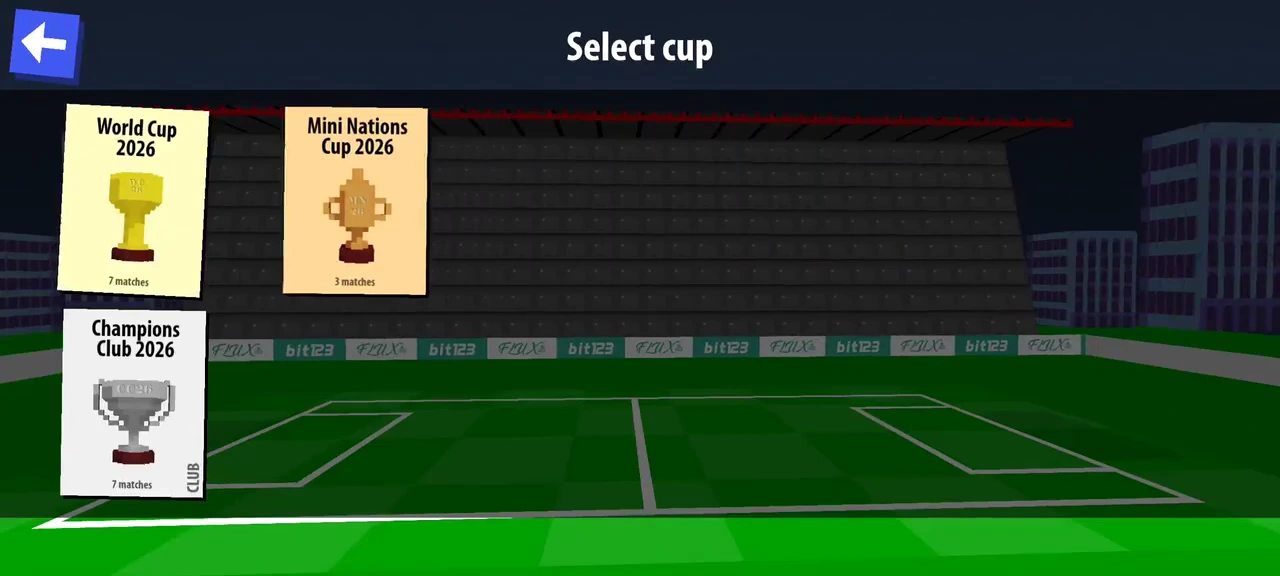
The recorded May Android build exposes the following three cards. The current listing advertises ten cups, so this is an observed older menu, not the complete current list.
| Visible cup card | Displayed matches |
|---|---|
| World Cup 2026 | 7 |
| Mini Nations Cup 2026 | 3 |
| Champions Club 2026 | 7 |
Enter with an available team and player
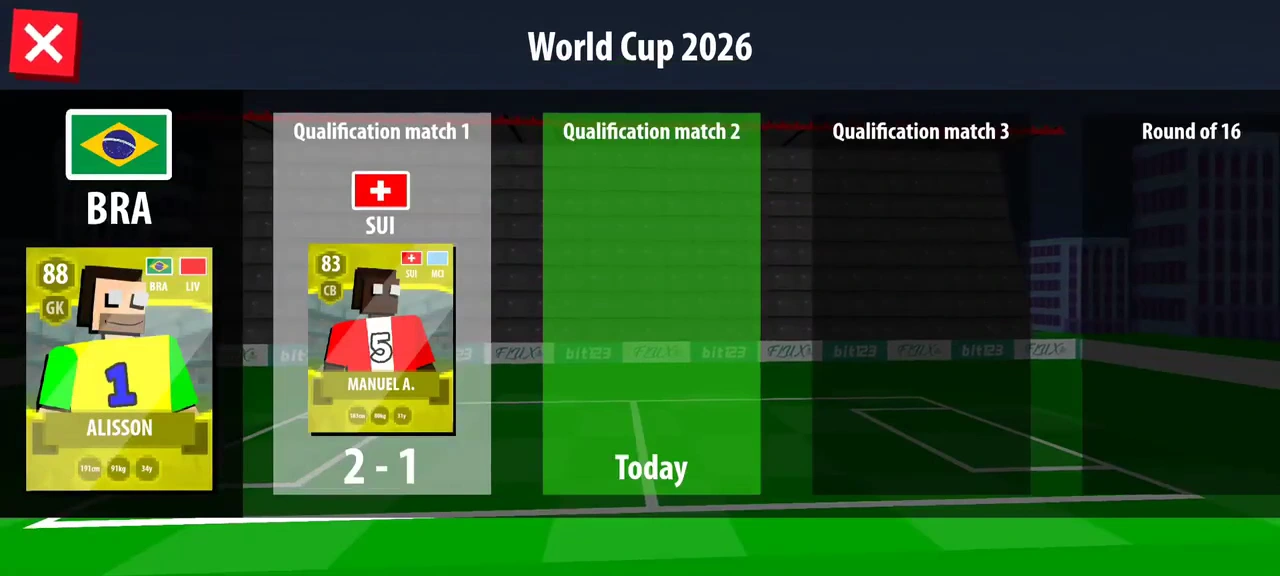
The player selects World Cup 2026, chooses Brazil, then selects Alisson. The loading screen names Qualification match 1. That sequence establishes the chosen cup and player before the match begins; a player card opened from a pack is not itself a cup entry.
Use the schedule after a completed result
At 1:48, the schedule records the 2–1 win in the first qualification column. The second qualification column is green and marked Today. After the third qualification win, the same highlight moves to Round of 16.
Distinguish the completed stage from the remaining route
| Stage in this run | What the video demonstrates |
|---|---|
| Qualification matches 1–3 | Three wins and progression after rewards. |
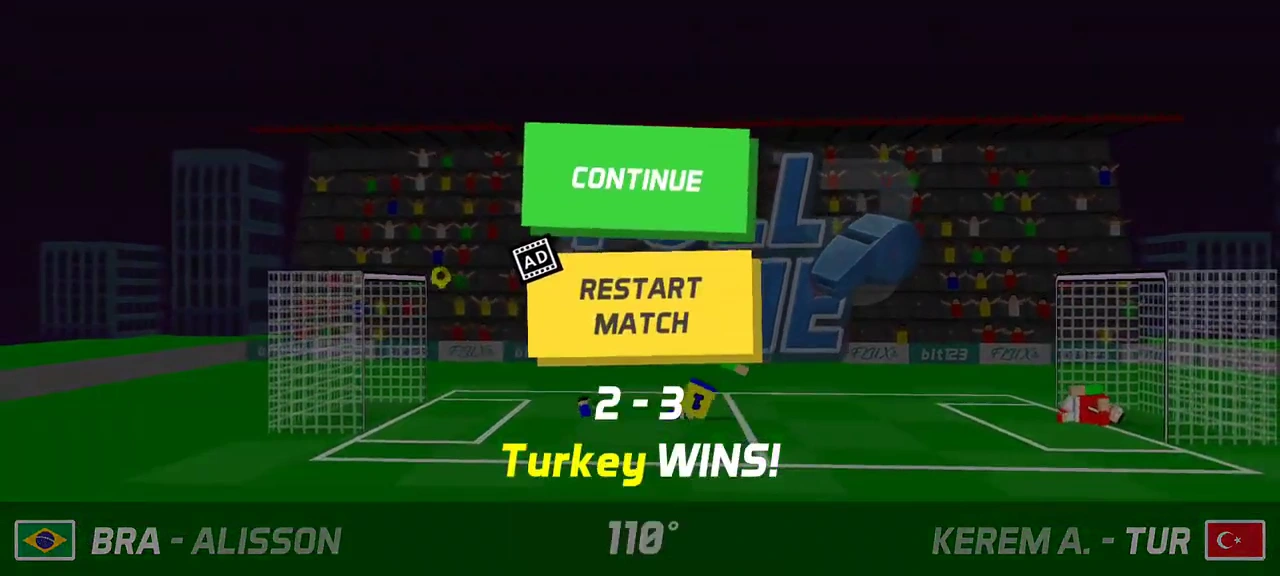
| Round of 16 | Entry and a 2–3 defeat. |
| Quarterfinals, semifinals, final | Future schedule columns only; not completed in the video. |
Do not mistake the retry button for a verified recovery
The defeat screen exposes an ad-marked Restart Match below Continue. The recording does not follow either choice. Treat the current prompt and its consequence as the point that still needs checking before relying on a saved cup run.