Mouse input on Poki
The official browser instruction separates aiming from the release. Keep the button held while aiming, then let go for the shot. This guide does not assign a power value to the time held or to an unseen aim arrow.
| Input phase | What to do |
|---|---|
| Aim | Hold the mouse button |
| Shoot | Release the button |
Watch the ball after the release
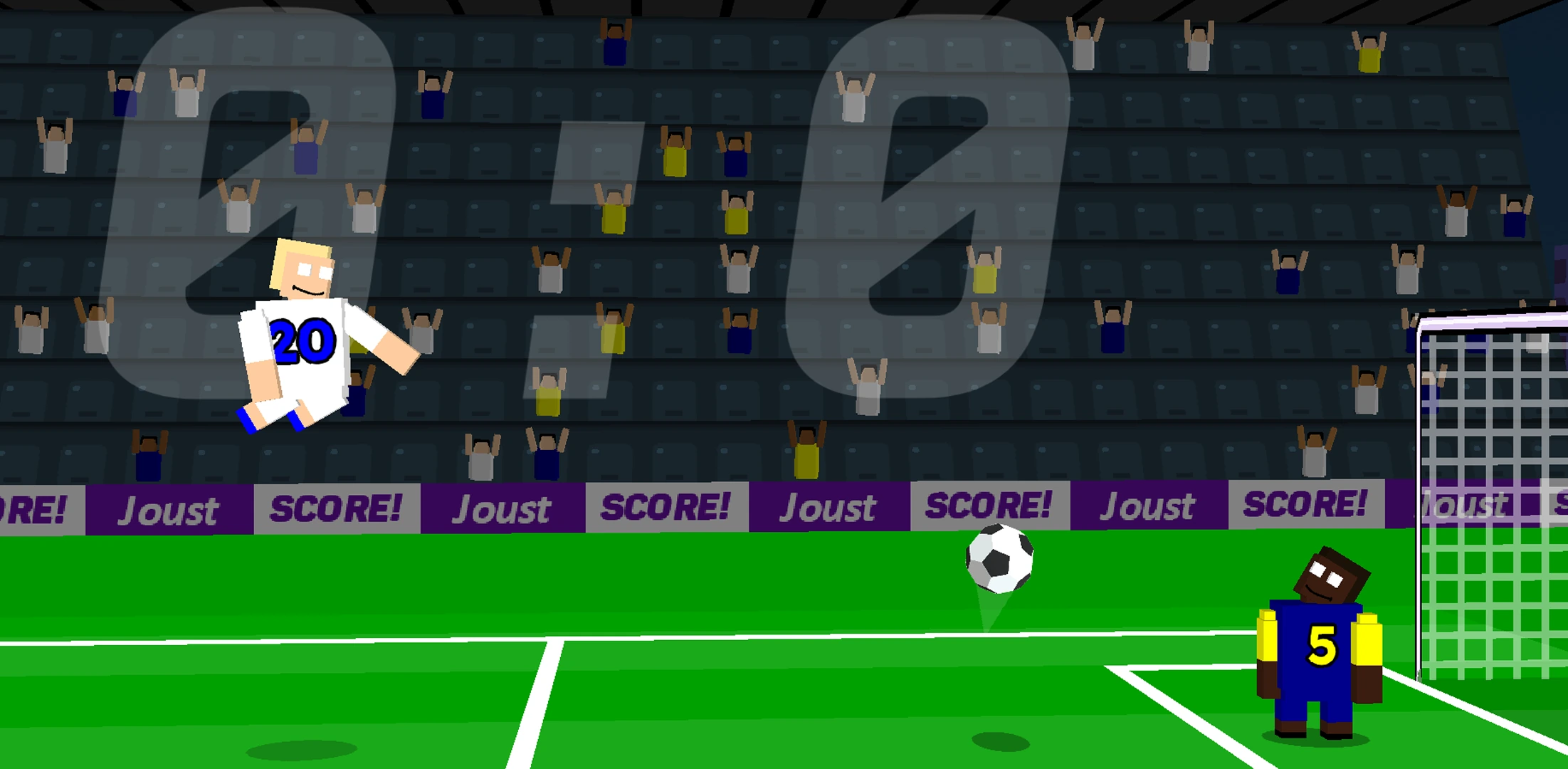
A ragdoll can rotate or land away from the ball. Before the next input, locate both objects again. A player being airborne does not establish that a shot has scored.
Recognize scoring feedback
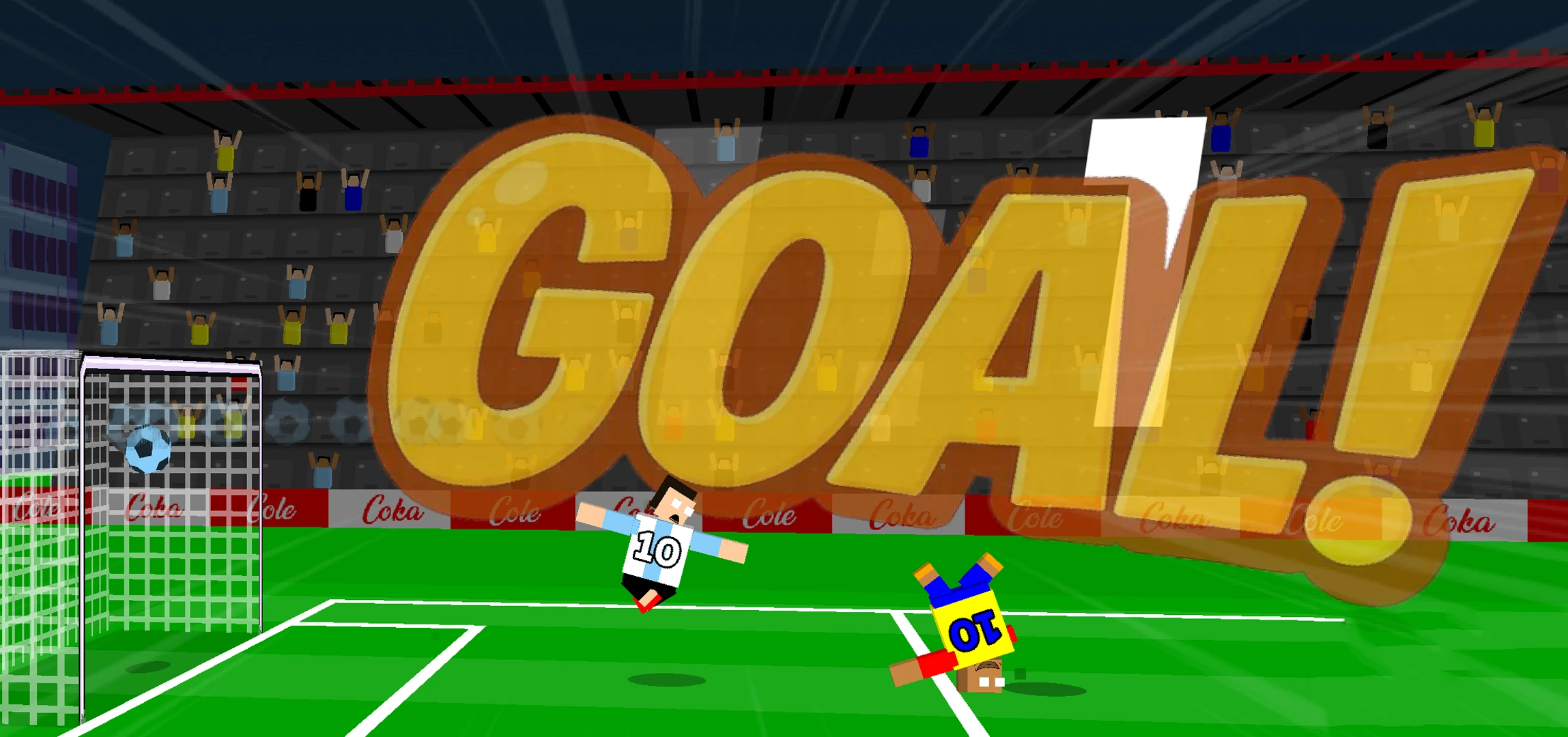
The example shows GOAL across the pitch with the ball inside the net. Use that feedback together with the scoreboard. It is a scoring moment, not evidence that the current match has finished.
Playing with another person
Poki supports two people on the same device. Do not assume the solo mouse instruction also assigns both players’ controls. Use the local-mode control prompt in the version you are playing before kickoff; the exact side-to-key mapping is not established by these stills.
Finish the first match after learning the shot
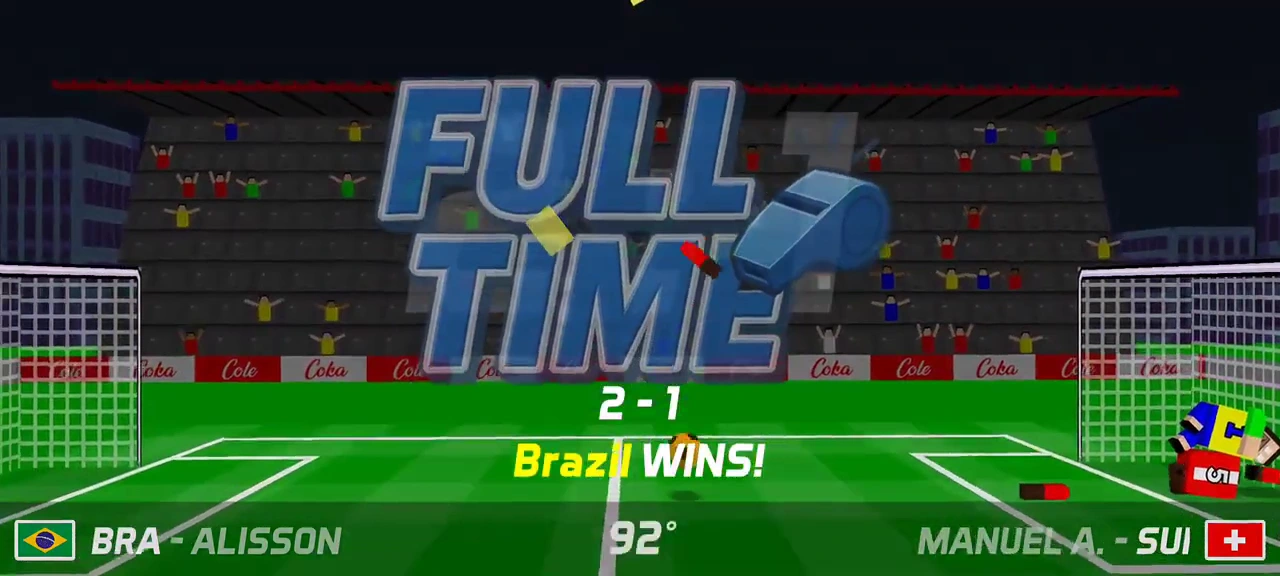
Use the first-match walkthrough linked below to start from Play, choose World Cup 2026, then select the available team and player. The demonstrated Android route chooses Brazil and Alisson. Aim and release during play, but keep playing after a GOAL message: that animation is not the completed match.
The example reaches FULL TIME with Brazil winning 2–1. Continue leads to a 160-coin offer; the ordinary Claim then reaches the schedule with the next Today column. That reward is this recorded match, not a universal payout. The linked walkthrough keeps the starting choices, result and claim in one route.