Match the demonstrated build
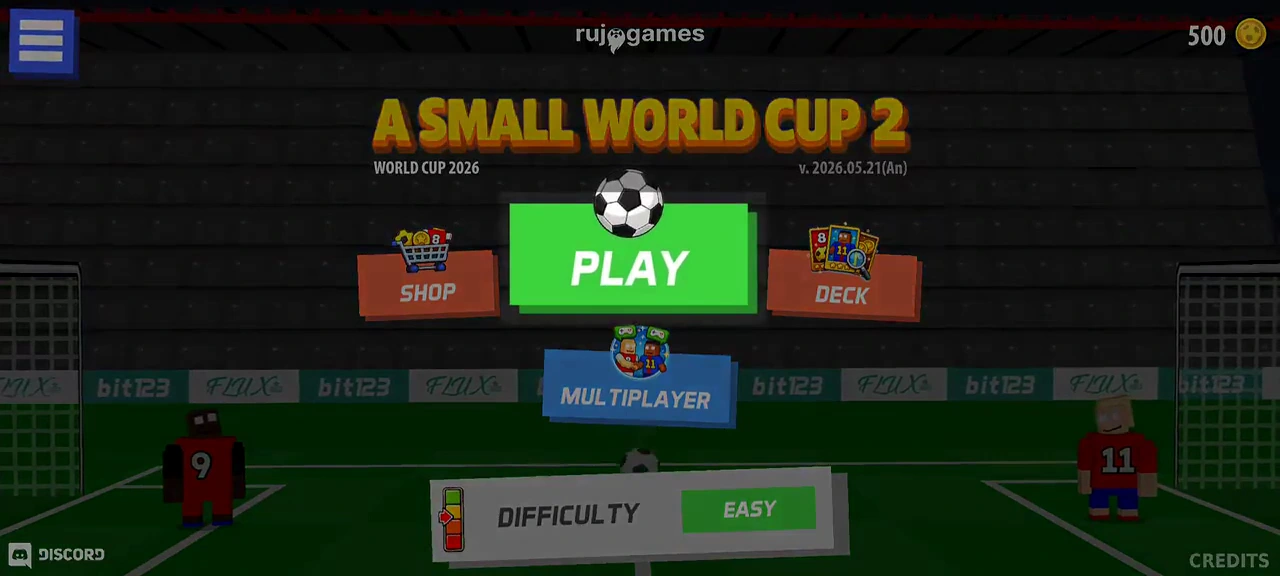
This walkthrough follows the Android menu labeled v.2026.05.21(An), shown in a May 27 video. The current developer listing advertises more cups than this recording shows. The menu route below is a demonstrated example; compare it with your installed build before following it.
Start from the home screen
Play sits in the center. Shop and Deck are separate buttons on its sides, and Multiplayer is below. The recording has Easy selected in the difficulty panel; this does not demonstrate a mandatory starting difficulty.
Choose the three things in order
- Select Play, then World Cup 2026 in the demonstrated cup menu.
- Choose an available national team. The recording selects Brazil.
- Select the player offered for that team. The example chooses Alisson and then enters the first qualification match.
Read the match result before continuing
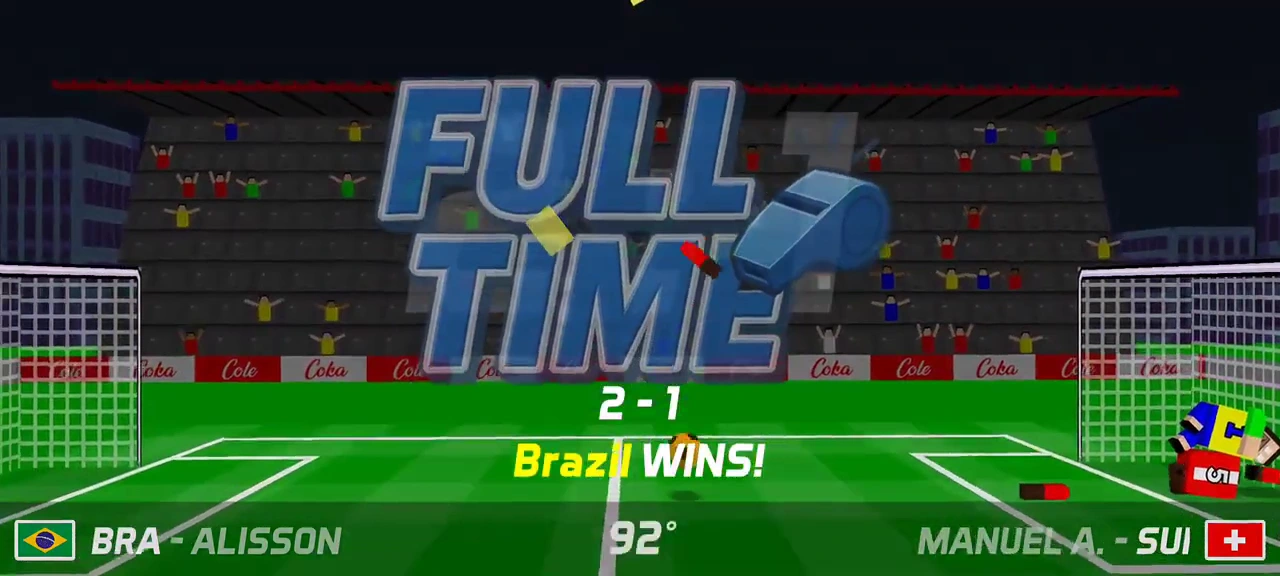
The example’s first match ends 2–1 for Brazil. A green Continue button then appears. A goal animation during play is not this final result: wait for full time and the winner text.
Collect the displayed reward and advance
After Continue, this match offers 160 coins. The green Claim option and the separate yellow ad-marked Claim X3 option are visible. The recording uses the ordinary claim and reaches the cup schedule, where the completed result is beside the next green Today column. The first three wins in this recording display different rewards, so 160 is an example, not a fixed payout.
Check the loss choices separately
The later 16-team knockout match is lost 2–3. Its result screen offers Continue and an ad-marked Restart Match. The video stops there; it does not prove that either action preserves progress or that the restart succeeds.